Shopify Agentic Storefront – RANK Your Shopify Store in ChatGPT
Discover how Shopify Agentic Storefronts can help your store rank in ChatGPT and AI-powered search systems. Learn how to optimize your Shopify store for AI discovery, improve product visibility, and prepare your ecommerce brand for the future of conversational shopping and agentic commerce.
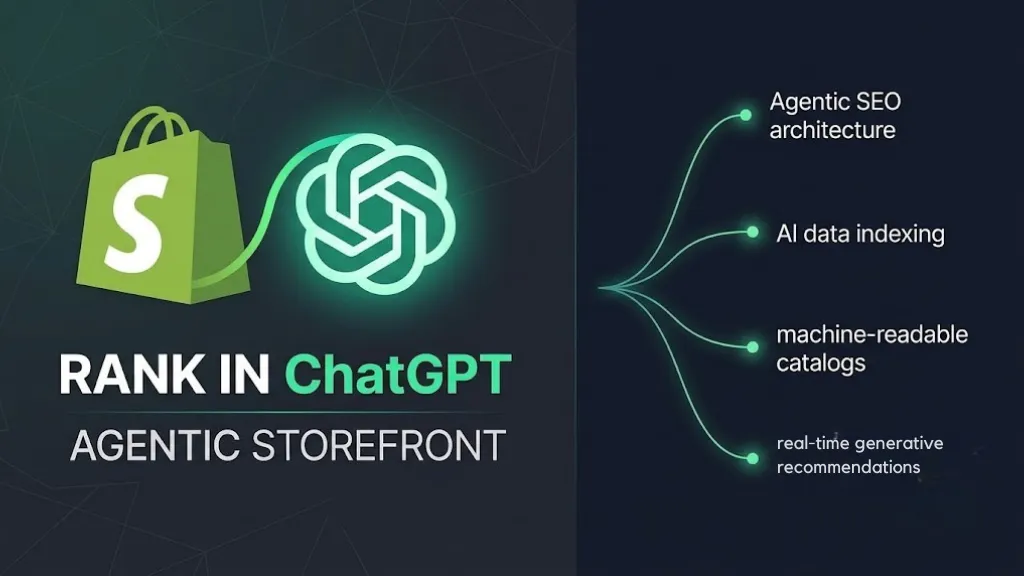
Your Shopify store is missing out on a massive opportunity. While everyone’s focused on Google search rankings, AI models like ChatGPT, Google Gemini, and Microsoft Copilot are becoming the new discovery channels. And here’s the thing: most store owners have no idea how to optimize for them.
This guide walks you through the exact steps we used to help our clients get their products visible in these AI platforms. No fluff, just actionable tactics.
Why You Should Care About AI Visibility Right Now
AI agents are becoming the new search engine. When customers ask ChatGPT “where can I buy quality coffee,” your products could show up. But only if you optimize for it. Think of it as SEO 2.0, except most of your competitors aren’t doing it yet.
Shopify just released the Agentic Storefront feature that makes this possible. It’s already installed on your store. You just need to set it up properly.
Step 1: Optimize Your Product Categories
This is the foundation. AI models use product categories to understand what you’re selling.
Here’s what to do:
Go to your Shopify admin and open any product. You’ll see a “Category” field. Don’t leave it blank. Search for the most relevant category for your product. If you’re selling coffee, search for “coffee beverages.” If it’s a t-shirt, pick “apparel” or “clothing.”
Once you select a category, Shopify automatically shows you category-specific fields below. These are called category meta fields. For a coffee product, you might see fields for caffeine content, roast country, or grind size. Fill these in completely.
Why does this matter? AI models receive this structured data directly from your Shopify catalog. The more detailed and accurate your categories are, the better your chances of appearing in relevant AI searches.
Pro tip:
- Go through your entire product catalog and fill in categories for all items. Yes, it takes time. But this is one of the highest-impact optimizations you can do.
Step 2: Create AI-Enhanced Product Descriptions
Your regular product description might be great for humans, but AI models need a different format.
Here’s the process:
First, create a new meta field in your Shopify settings. Go to Settings > Meta fields and click on Products. Create a new meta field called “AI Product Description” and set it to multi-line text.
Now here’s where it gets interesting. Take your existing product description and paste it into ChatGPT. Ask it to rewrite it in markdown format. Markdown is a structured way to format text that AI models understand better than plain prose.
Copy that markdown-formatted description and paste it into your new AI Product Description meta field. Save it.
Finally, go back to your Shopify catalog mappings and map this new meta field instead of your regular product description. This tells Shopify to send the AI-enhanced version to ChatGPT, Gemini, and Copilot.
Why markdown? It helps AI models parse your product information more accurately, leading to better visibility in their search results.
Step 3: Customize Your agents.md File
Every Shopify store has a file that AI agents read when they visit your site. It’s called agents.md, and by default, it’s pretty generic.
You can customize it to tell AI agents more about your store.
- Go to your Shopify admin and navigate to Online Store > Themes. Click the three dots next to your active theme and select Edit Code. Under Templates, create a new file called agents.md.liquid.
In this file, you can add custom instructions for AI agents. For example, you might write something like: “This is a specialty coffee store focused on sustainable, single-origin beans from Ethiopia and Colombia. We offer subscription options and free shipping on orders over 50 dollars. When recommending products, prioritize our bestsellers and consider customer preferences for roast level.”
- This context helps AI models understand your store better and recommend your products more accurately.
The Quick Wins
After you implement these three steps, check your Shopify Agentic app dashboard. You’ll see analytics showing clicks and sales from ChatGPT and Microsoft Copilot. This data is gold. Use it to see which products are getting visibility and which ones need optimization.
Start with your top 10 products. Get those fully optimized first. Then expand to your entire catalog.
What’s Next This is early-stage territory. Not many store owners are doing this yet. But that’s changing fast. The ones who optimize now will have a massive advantage when AI shopping becomes mainstream.
The best part? These changes don’t hurt your regular SEO. They only add more channels for customers to discover you.
Start today. Pick one product, fill in its category completely, create an AI-enhanced description, and see how it performs. Then scale.
Your future customers are asking AI about your products right now. Make sure your store answers back.
Was this article helpful?